
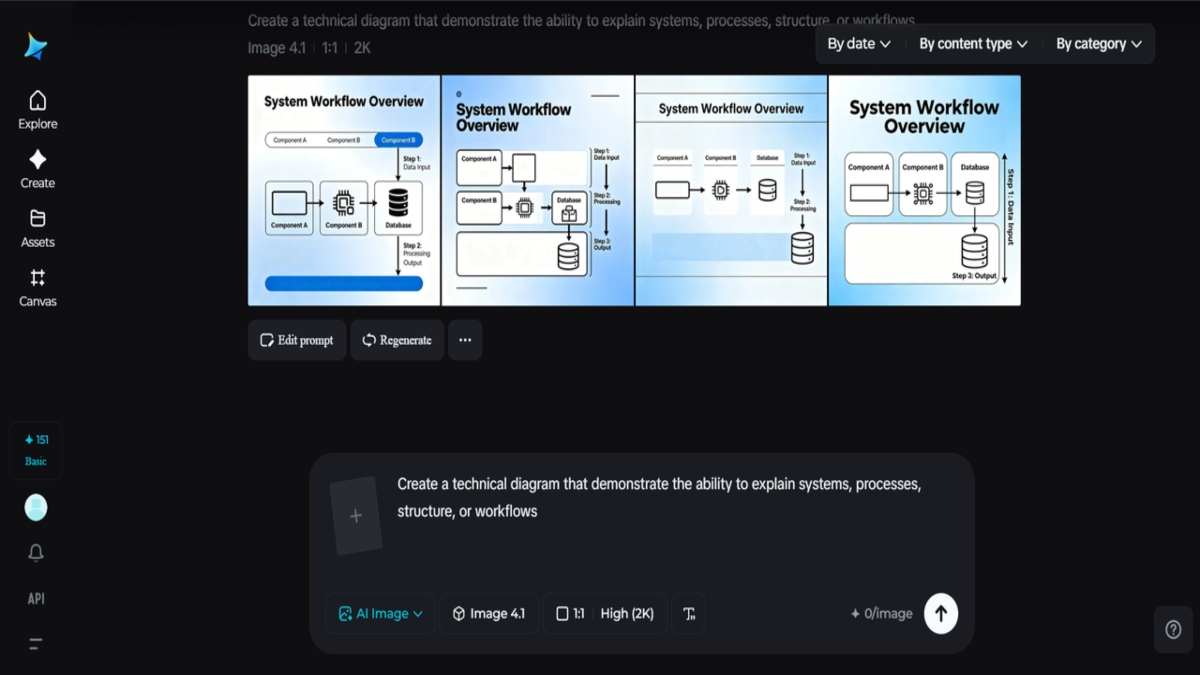
Technical diagrams lie at the very center of understanding, because they demonstrate the ability to explain systems, processes, structures, or workflows in a way that language cannot. However, very often these diagrams are produced under tight deadlines or found in legacy files, so as to be blurry or irregular in quality. It is where an AI tool like Dreamina helps make image clearer.
Dreamina integrates effortlessly into this process. What it does is enable engineers, teachers, product makers, or designers to optimise existing diagrams so that line edges are maintained, label text is legible, and there is a sense of visual hierarchy. AI-based optimisation saves time by allowing diagrams to communicate more effectively.
In this tutorial, we will learn exactly what AI diagrams do for technical diagrams, where they provide the most benefit, and how a three-step flow applies to Dreamina.
Why clarity is important, not looks, when it comes to diagrams
A technical diagram is not an aesthetic endeavor. A technical diagram pertains to accuracy. An unclear line or an illegible label of a technical diagram might confuse users, hinder decision-making, or even involve costly errors. AI enhancement aims to regain the original intention rather than alter the meaning.
Good diagrams assist:
- Engineers are able to review the systems faster
- Students comprehend difficult notions in school
- Stakeholders make confident decisions
AI enables diagrams to be scaled without sacrificing precision with the help of higher resolution and structure.
Common problems that may be lurking in technical visuals
Good diagrams can still go bad with time. File conversion, screen capturing, and image compression may introduce problems that cannot be solved easily.
Some of the typical issues may include:
- Pixelated lines and arrows
- Soft text and characters
- Inconsistent contrast between objects/elements
- Loss of details when zooming or printing
AI enhancement solves these problems at a holistic level, enhancing the image as a whole rather than fixing it piece by piece.
How AI generators work in the enhancement of diagrams
Unlike conventional image editors, where sharpening was done by hand, AI image generators look at patterns. They are able to identify right angles created by straight lines and text-like patterns before sharpening them.
It means:
- Lines are straight and not jagged
- The diagrams appear to be meaningful when viewed at higher resolutions.
It feels like a cleaner original image, rather than a highly processed photo.
You can also use Dreamina’s video meme generator to create engaging video memes, so your viewers receive your diagram information in a more interesting way.
Diagrams, avatars, and scaled communication
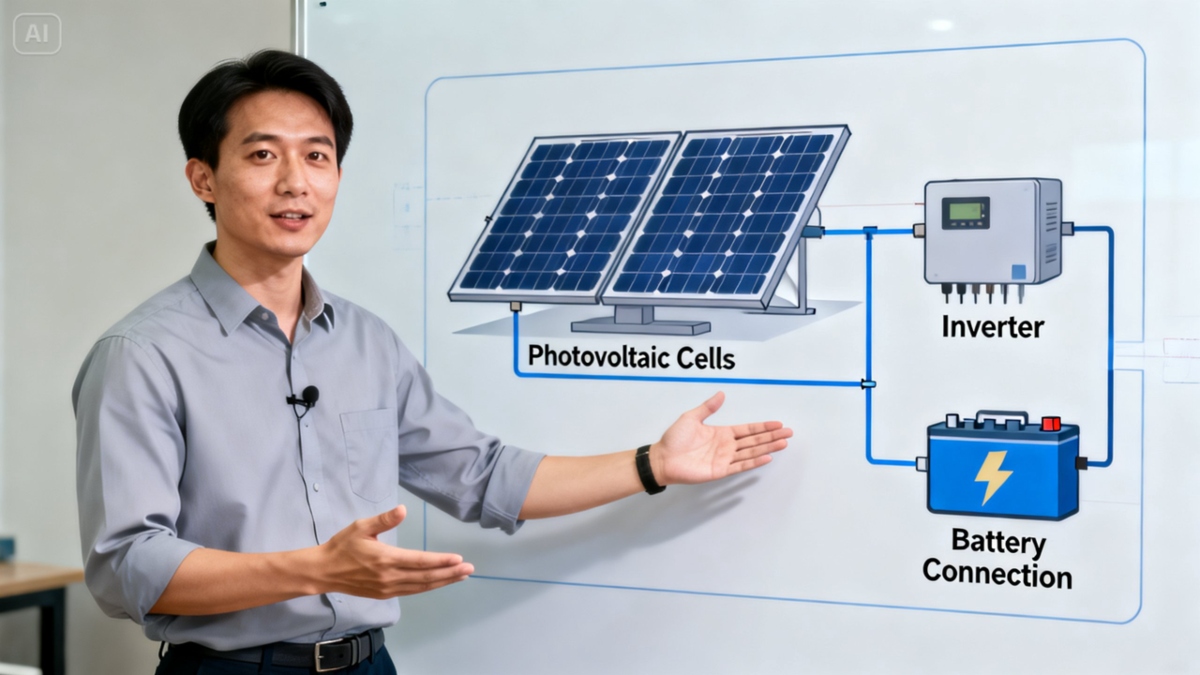
In education and internal communication, some teams use diagrams alongside virtual presenters. The AI human generator develops a uniform digital model that is presented alongside improved diagrams in educational or demo files. The method avoids constant recordings and maintains diagram consistency during updates.
The picture comes to life, but it helps focus on things with the use of AI-generated human.
Drawing accurate technical drawings with Dreamina
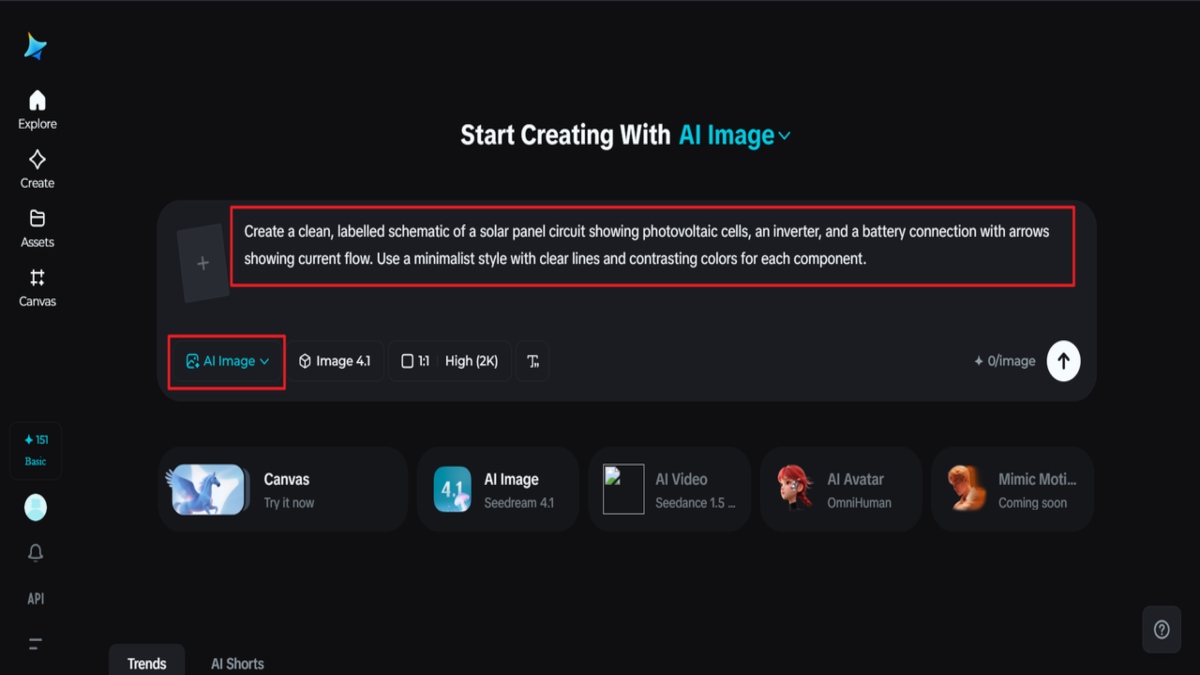
Step 1: Write text prompt
Go ahead and open Dreamina, then enter the workspace where you create visuals without an image generator. In the provided box, write a detailed prompt that describes the technical diagram you would like to create: to what field it pertains, what components should be included, the labels, and colour coding or schematic style.
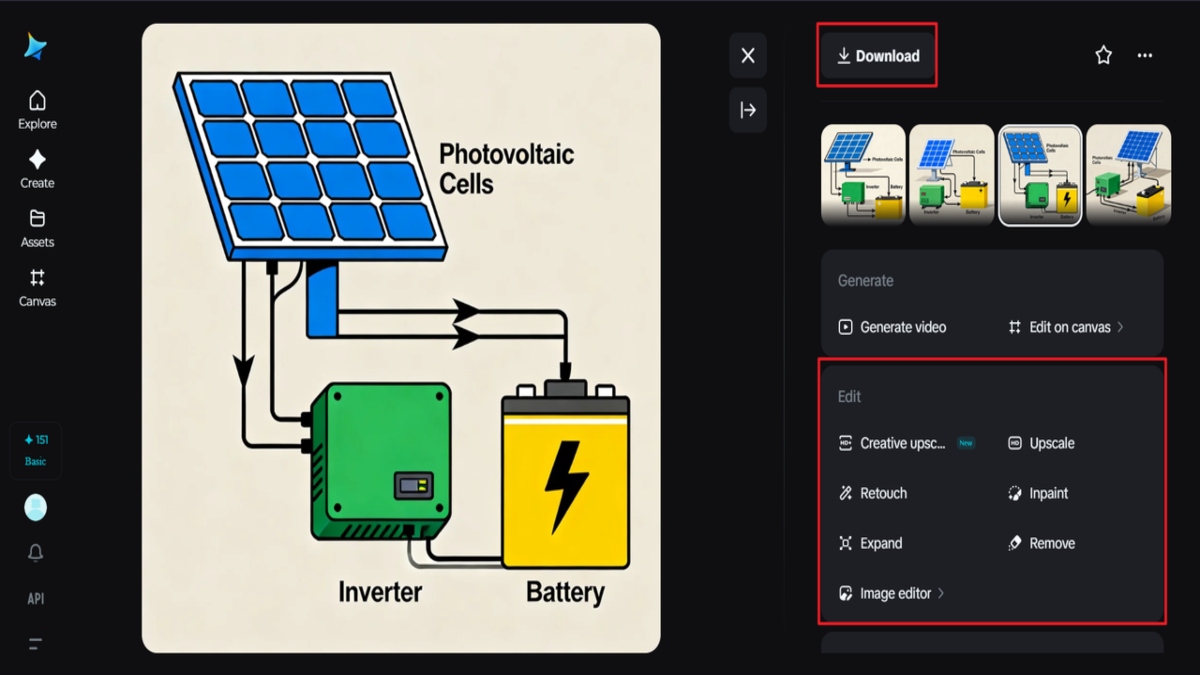
You could write something like this: Create a clean, labeled schematic of a solar panel circuit showing photovoltaic cells, an inverter, and a battery connection with arrows showing current flow. Use a minimalist style with clear lines and contrasting colours for each component.
The more specific you are with your description, the better the generated diagram will fit what you have in mind.
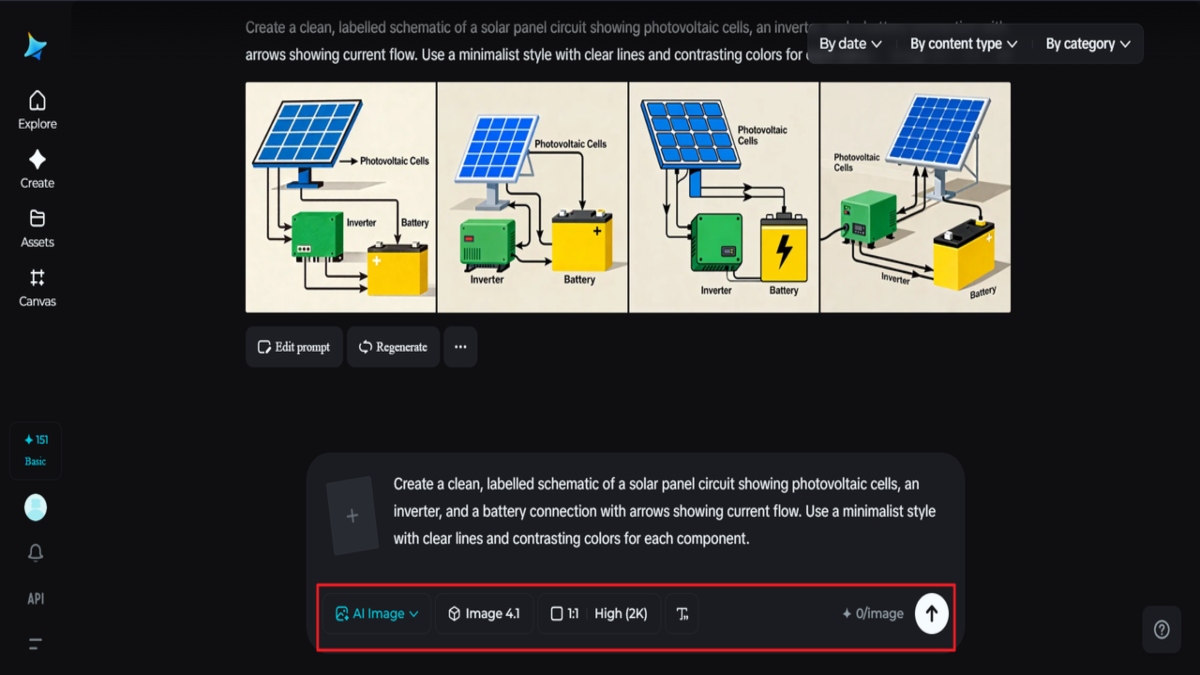
Step 2: Set parameters and create
Choose the model that best fits diagram clarity, select the aspect ratio that best fits your intended use, such as a presentation slide, report, or poster, and then select a resolution of either 1k or 2k for high-quality detail. Once you have your settings, click on the generate icon in Dreamina to create the first version of your technical diagram.
Step 3: Tailor and download
After generation, please use the customisation options of Dreamina to refine this diagram: Inpaint resolves missing details, Expand adds other sections or annotations, Remove allows you to erase elements that are not needed, and Retouch helps with sharpening lines and colours. Download, saving your polished high-resolution Technical Diagram for reports, presentations, or digital sharing.
Where improved diagrams matter most
AI-enhanced diagrams are particularly useful in a context where clarity is equivalent to efficiency.
They are commonly used in:
- Product documentation & manuals
- Engineering reviews and audits
- Educational resources and training slide decks
- Research papers and internal reports
As it might have different uses, it is likely that this diagram could appear in different places, hence enhancement.
Balancing accuracy with visual polish
One of the things that a team might think is, Does the AI change the meaning? The answer is that the tools that help keep the structure over the content are the ones that are successful.
Dreamina is all about trying to improve something that already exists rather than trying to restate something else and give it new meanings.
With a balance in mind, diagrams are made to remain accurate while being easier to view.
Scaling the quality of diagrams across teams
As soon as teams start using AI enhancement for diagrams, everything falls into place regarding workflow scale. Designers no longer spend much time repairing exported diagrams. Engineers no longer spend much time describing diagrams. Educators get to spend more time on teaching rather than interpreting diagrams. More detailed diagrams are repurposable assets instead of one-off graphics.
Closing thoughts: Clarity is the real upgrade
A technical diagram is successful when it fades into understanding. The image itself must be invisible; only the concept that the image conveys should be seen. AI enhancement assist in eliminating any hindrance that may exist between information and understanding.
Dreamina helps to achieve this in a simple, reliable, and repeatable way. The teams will end up saving time and improving the visual quality at the same time without having to recreate the diagram.
Eventually, this will mean better decisions as a result of better diagrams; clarity will be the most valuable product.
