
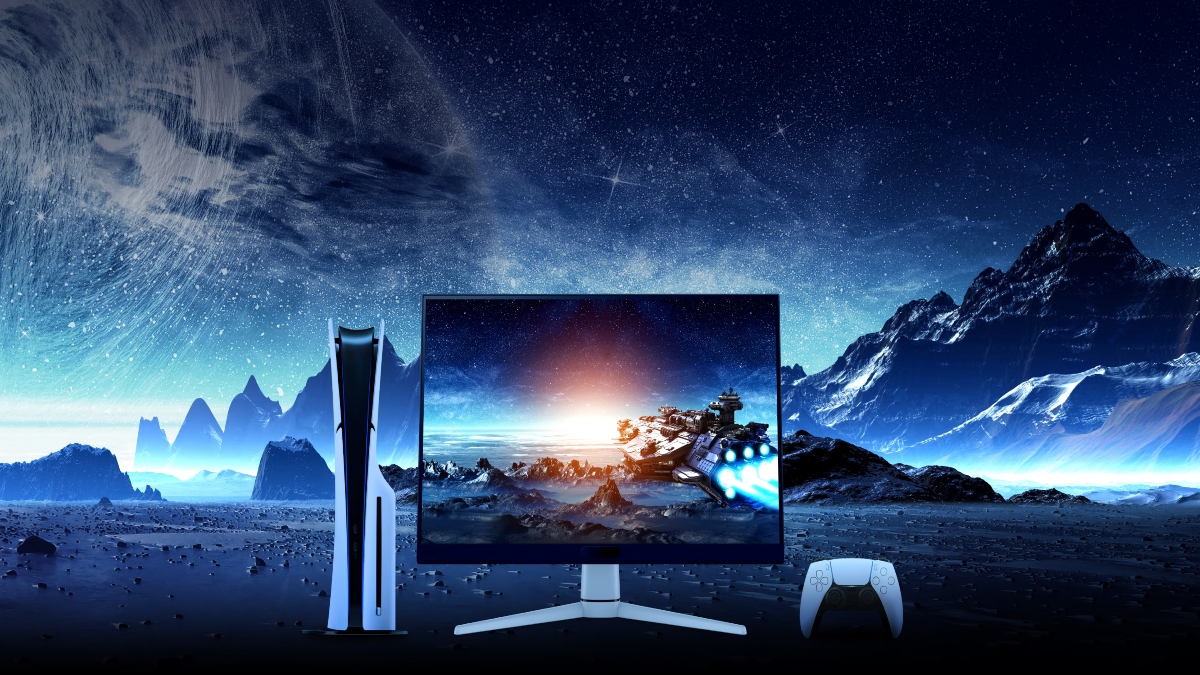
In video editing circles, there is a long-standing belief that producing professional-grade work requires a reference monitor costing upwards of Rs 1.2 lakhs. So, when BenQ Mobiuz EX271, a 27-inch gaming monitor arrived at our AnimationXpress office in Mumbai, we were understandably sceptical. After all, gaming monitors and colour-critical workflows rarely go together. However, after a month of hands-on use, we are beginning to reconsider that assumption.
The 95 per cent DCI-P3 coverage is more than a mere specification—it represents the precise benchmark that professional editors rely on for accurate colour reproduction in today’s streaming workflows. After calibrating the Mobiuz EX271 with our SpyderX, we recorded delta E values below 1.5, which confidently places it within professional-grade territory. Its HDR400 certification offers sufficient headroom for HDR preview tasks, avoiding the blown-out highlights typically seen in budget-level displays.
What impressed us most was the effortless switching between Display P3 and sRGB modes. While working on showreels, promotional videos, and reels for YouTube and social media, we were able to toggle between colour spaces in less than two seconds. The IPS panel’s wide 178-degree viewing angles ensured that collaborative colour reviews with our colourist remained consistent, with no visible colour shift, an advantage that noticeably enhanced our workflow.
The 180Hz refresh rate may appear tailored for gamers, but it had a transformative impact on our editing workflow. Scrubbing through the timeline in DaVinci Resolve felt smooth, allowing us to catch micro-jitters in fast-paced sequences that would have gone unnoticed on a standard 60Hz display. Coupled with a 1ms response time and AMD FreeSync support, the monitor eliminated screen tearing during playback, even when our workstation was pushed to its limits by demanding footage.
The colour shuttle, BenQ’s Smart AI system for gaming, added another dimension to our experience. It automatically adjusted colour profiles to suit different titles, ensuring transitions between editing presets and gaming modes were seamless. During evening gaming sessions, colours appeared vivid and transitions between editing presets and gaming modes were seamless, with depth and consistency maintained even in darker scenes. For editors who also use the monitor for play, this added flexibility complemented the professional colour modes already in place.
Yes, it is full HD on a 27-inch panel, and the resulting 90 PPI can feel limiting for pixel-precise graphic design tasks. However, for video editing, where the focus is on evaluating motion and colour rather than fine detail the resolution proved more than sufficient. In fact, the lower pixel count worked to our advantage, allowing our mid-range RTX 3070 to deliver smoother, more consistent playback frame rates throughout the edit.
The TÜV-certified Low Blue Light mode avoids the unpleasant yellow tint we’ve encountered with other displays, maintaining colour integrity while easing eye strain. After a month of consistent 10-hour editing sessions, the monitor’s eye-care features genuinely helped reduce fatigue. Brightness Intelligence Plus automatically adjusted the screen’s brightness throughout the day without any manual input, a feature that proved genuinely useful rather than gimmicky.
The dual 2.5W speakers surpassed our expectations. While they are not intended to replace studio monitors, they proved more than capable for team call reviews and rough-cut previews, delivering clear and intelligible audio. The integrated USB 3.0 hub was a welcome addition, helping keep our workspace tidy while reliably powering our external SSD and calibration sensor.
One notable frustration is the absence of a USB‑C port. In 2025, with a growing number of editors relying on MacBooks and expecting streamlined, single‑cable connectivity for power, display and data, this omission feels like an oversight. By contrast, the higher‑end EX271Q model includes USB Type‑C with Power Delivery, offering the convenience many professionals now expect.
Who does this monitor serve?
For these scenarios, the monitor excels:
Independent editors and small studios handling corporate videos, YouTube content, or streaming platform work get broadcast-grade colour accuracy at a fraction of traditional costs. That 95 per cent DCI-P3 coverage matches what modern streaming platforms require.
Hybrid work environments benefit from genuine dual-purpose capability. Our team used it for After Effects during the day and gaming evenings, both use cases genuinely benefit from the fast response time.
Training facilities can provide professional-grade colour performance without US $2,000 plus reference displays, giving students accurate colour feedback within realistic budgets.
At approximately Rs 15,000-18,000, the EX271 delivers exceptional value. Professional monitors with comparable DCI-P3 coverage typically start at Rs 1.2 lakhs. For small production houses in cities like Bangalore, Delhi, or Pune, choosing this monitor means reallocating over a lakh in savings to lighting, audio equipment, or storage investments clients will actually notice in final deliverables.
The matte coating introduces subtle texture noticeable on solid colours. We still referenced our 4K monitor for delivery master approval. Out-of-box accuracy (delta E 2.8) requires calibration investment to achieve professional results.
The BenQ Mobiuz EX271 defies conventional expectations surrounding professional-grade displays. After 30 days of rigorous use across real-world projects, it has secured its spot on our main desk, not out of necessity, but because it genuinely earned it. For the vast majority of video editors producing streaming content, corporate films, and social media commercials, it offers professional-level performance at a fraction of the cost typically associated with reference monitors. That’s as honest a recommendation as we can offer.
